Where Can I See My Transaction History?
Related concepts
For the underlying concepts, see Transactions.
You can look up your Polkadot (or Kusama) transaction history on block explorers like Subscan or Statescan.
How to Find Your Account on Block Explorers
Directly from Block Explorers
You can go to the block explorer you want to use directly and find your account there.
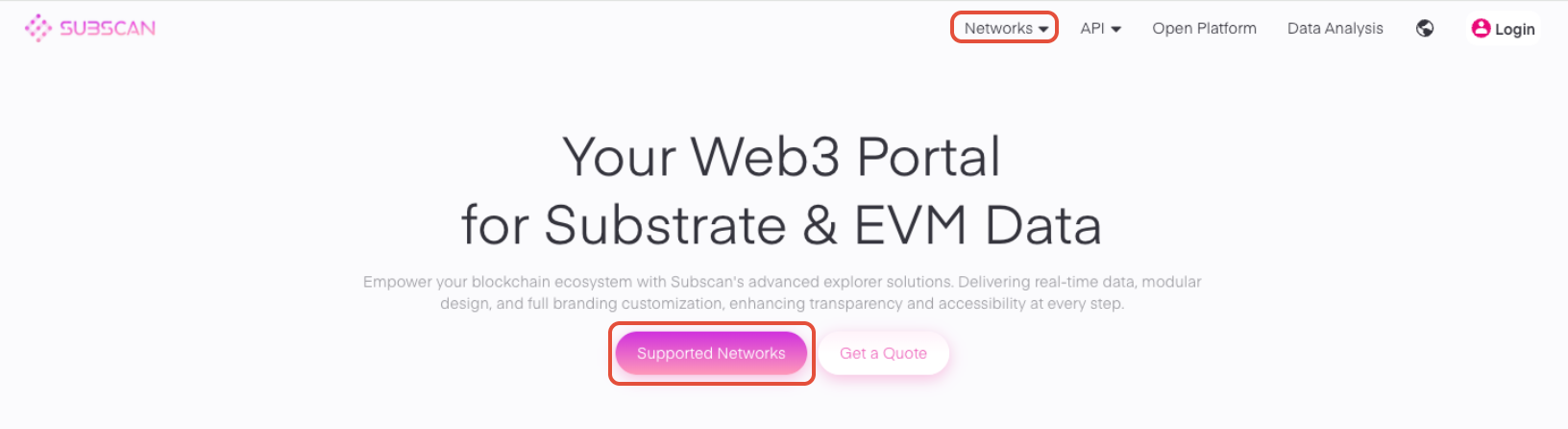
On Subscan, you can choose the network by clicking "Supported Networks" or using the "Networks" icon at the top of the screen:
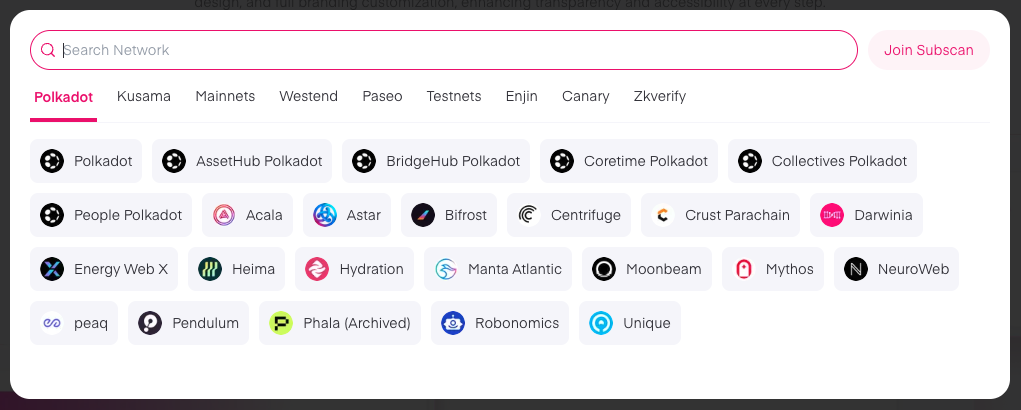
Choose the network among all the available options where you want to review your account:
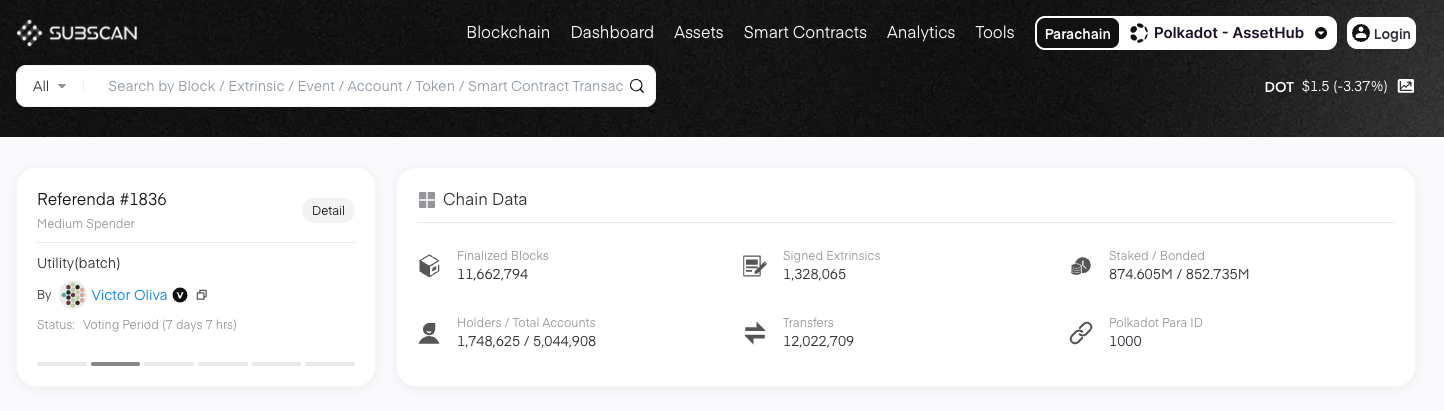
Once your network has been selected, paste on the search bar your public address:
Through Polkadot Developer Interface
You can see your account on a block explorer from your Accounts page on the Polkadot Developer Interface. You can see the buttons by clicking on your account's name:
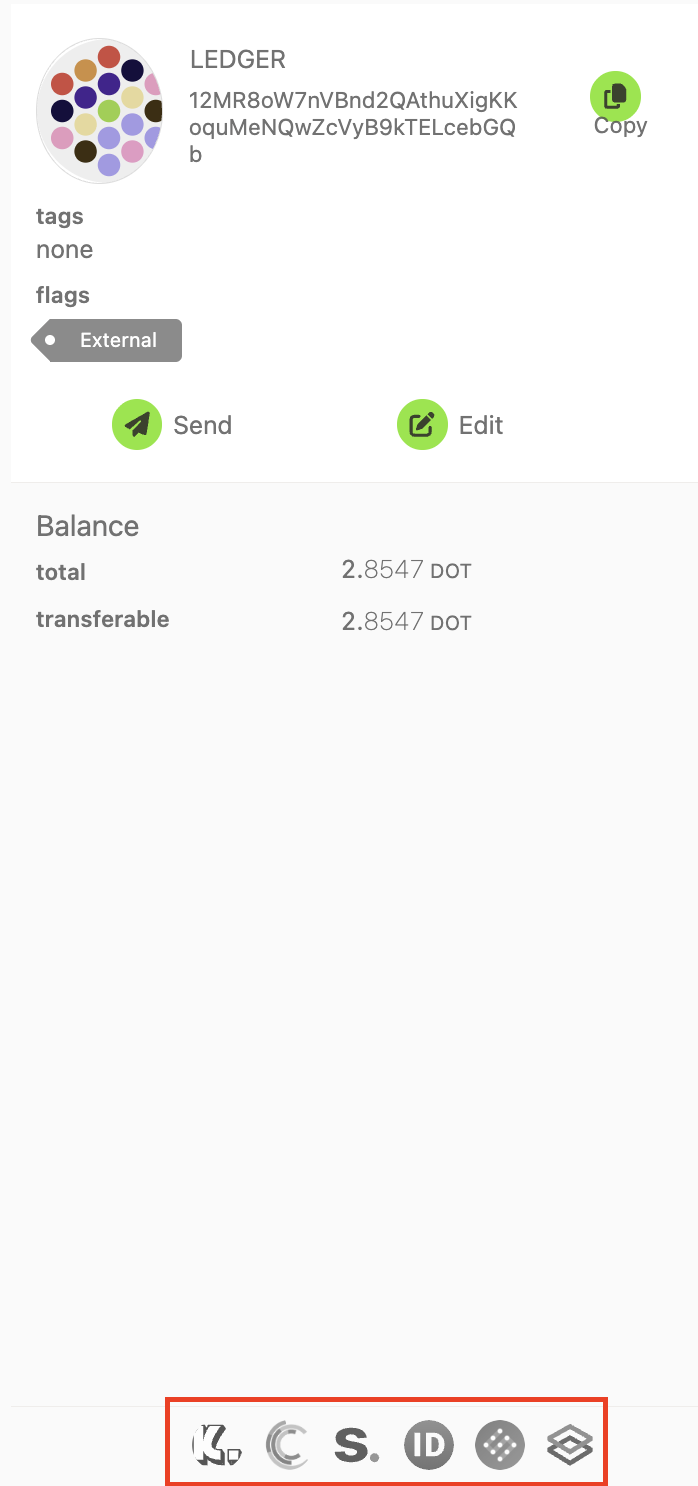
Or by clicking the drop-down menu next to your account:
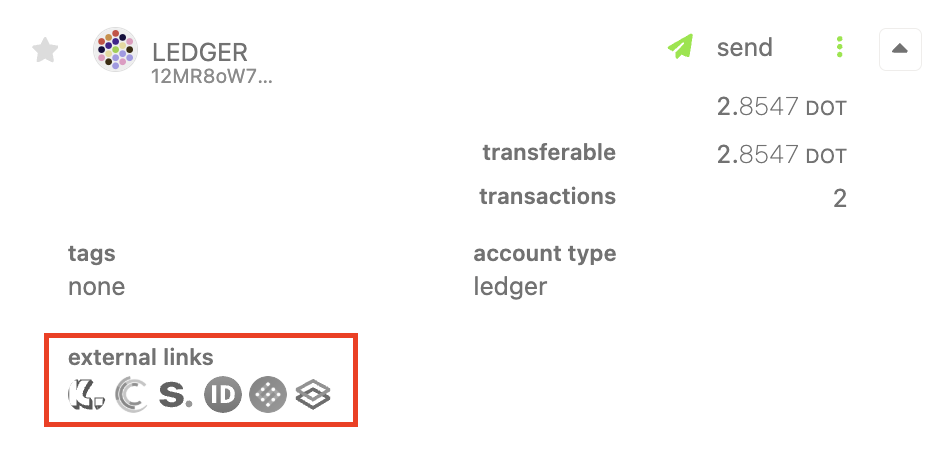
Clicking on any of the block explorer buttons will take you to your account's page on the chosen explorer, displaying the information from the correct network.
How to See Your Account History
On Subscan
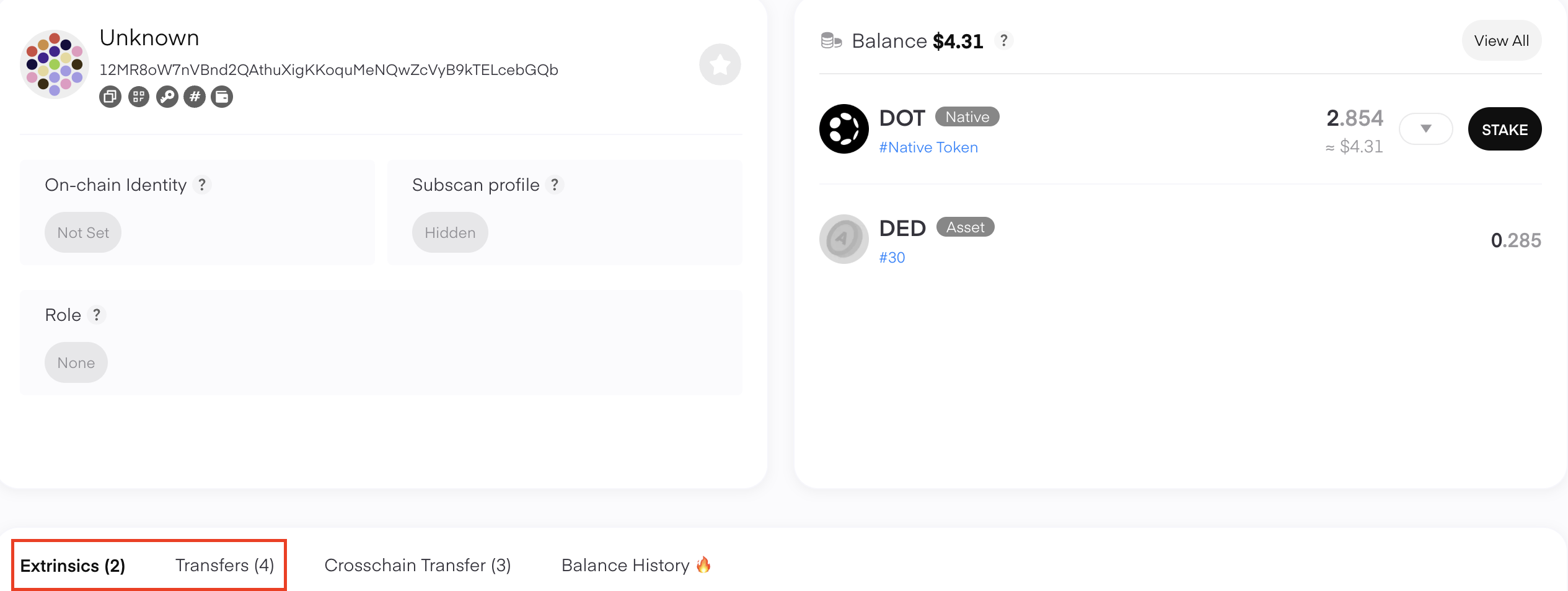
By default, the Extrinsics tab will be open, which includes any extrinsics signed from your account (including staking, voting, etc.). Switch to the Transfers tab if you'd like to see only your incoming and outgoing transfers:
Exporting your transaction history
If you'd like to view your entire history in a spreadsheet, you can follow these instructions to export your transaction history into .csv format.